
 In the ever-evolving landscape of email marketing, ensuring your emails reach the intended inbox is paramount.
I have found a tool called MailFlow, a great tool to warmup your emails for free and achieve the best email deliverability.
In this guide, I’ll delve into the ins and outs of email warmup using MailFlow, even on its free version that allows you to send up to 5 warmup emails per day.
How to Warmup Your Emails for Free Up to 100 Inboxes with MailFlow
Step 1. Sign Up with MailFlow
Begin by signing up for a MailFlow account. The process is straightforward and user-friendly. You need to have a credit card to signup though.
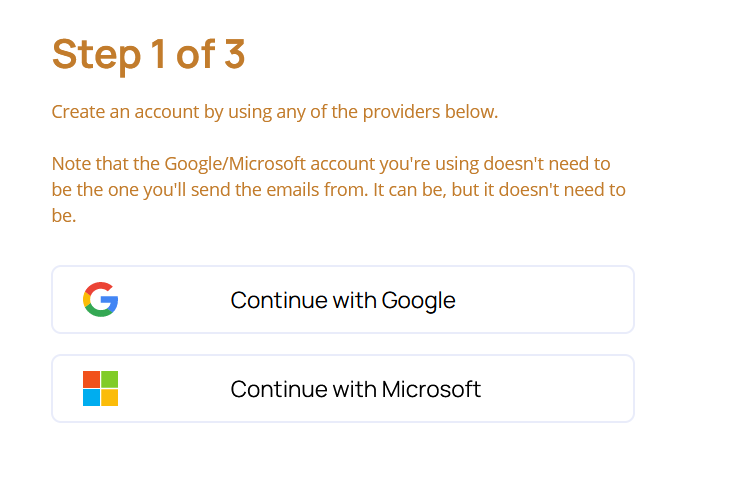
Signup using your Google or Microsoft account.
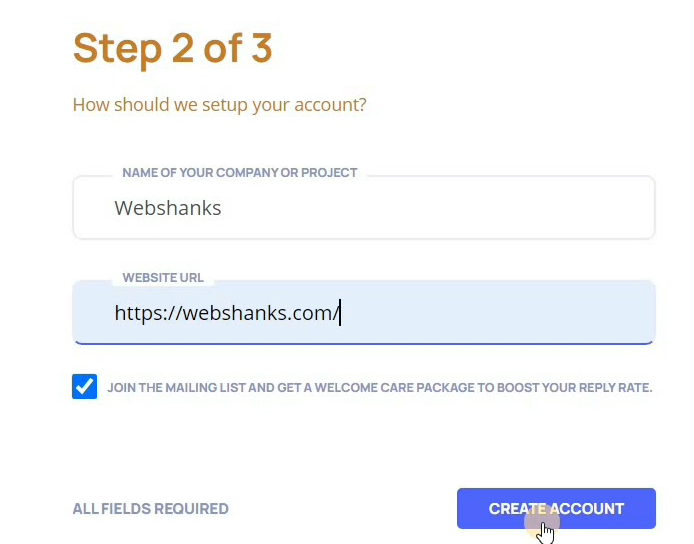
Enter your company or project details as well as your website URL.
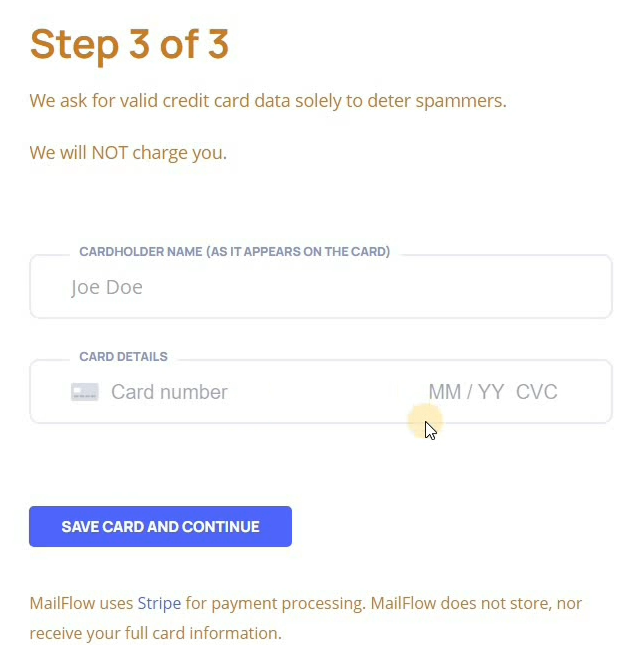
To avoid spammers using MailFlow’s free service, they require you to have a valid credit card.
Step 2. Create Pool
After signing up, familiarize yourself with the MailFlow dashboard. Here, you’ll find key features and settings to optimize your email warmup strategy.
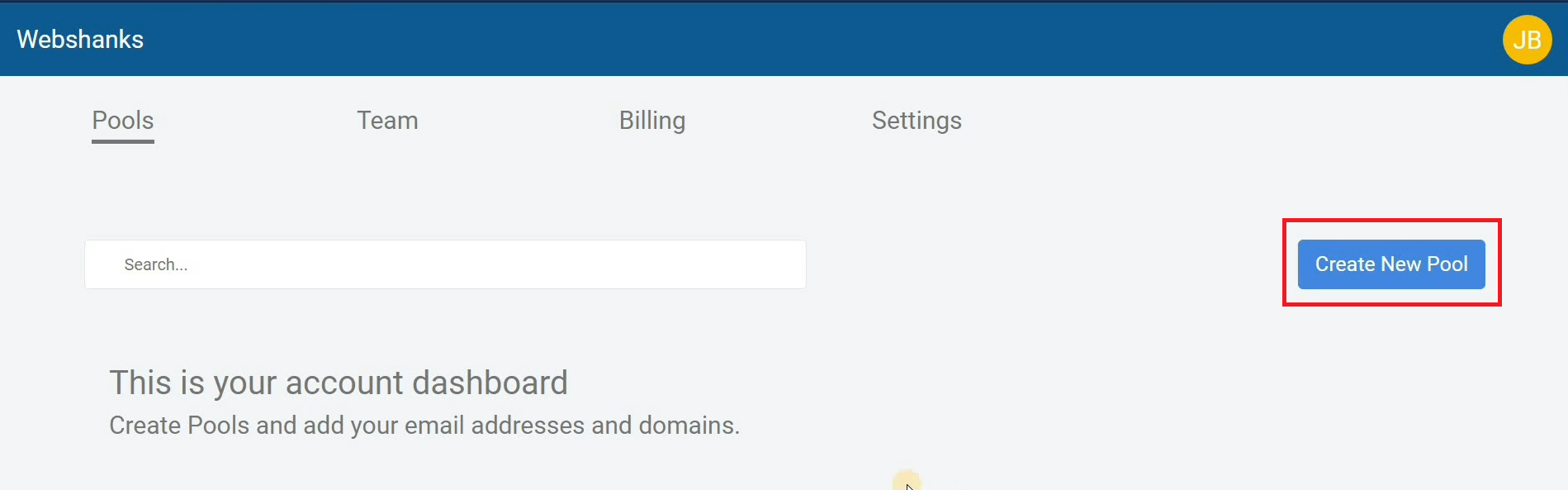
Let’s create a new pool. Click Create New Pool.
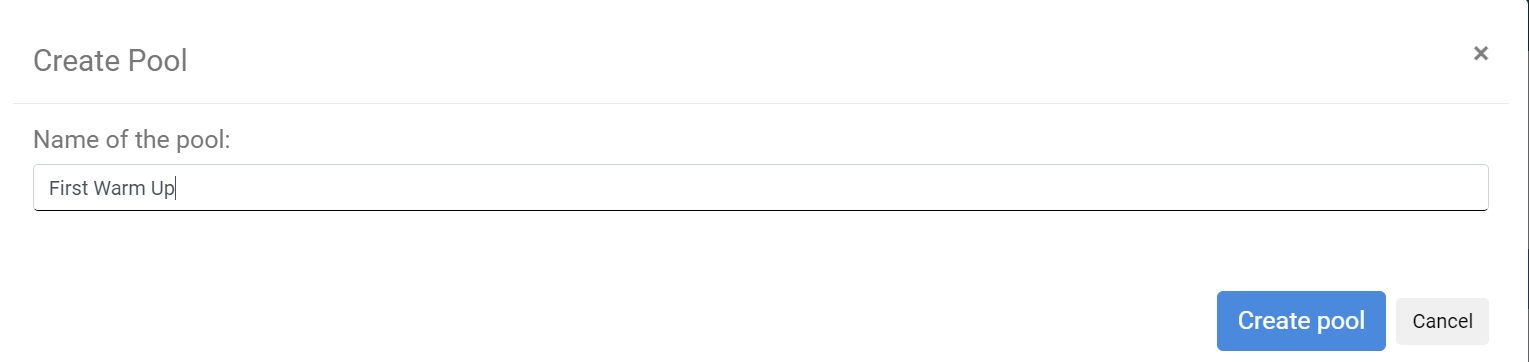
Name your pool.
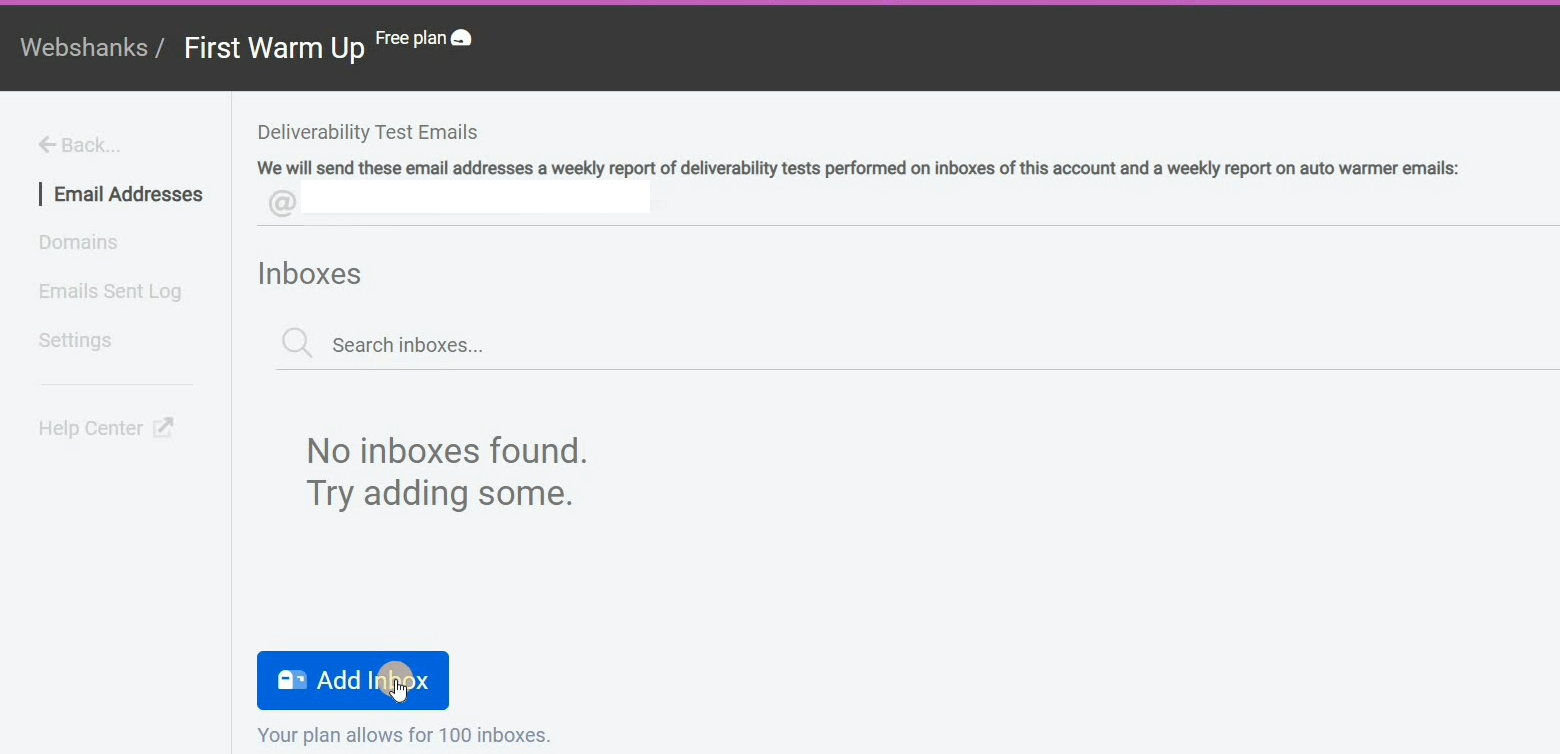
Add inbox.
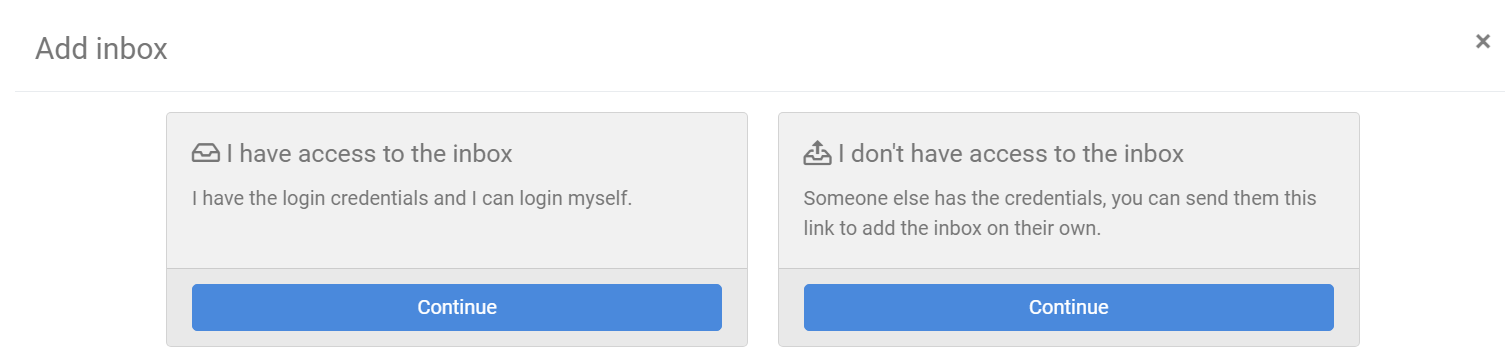
Choose I have access to the inbox. In case you don’t have access to inbox, for example you are setting this up for a client, choose I don’t have access to the inbox and it will generate a link which you can send to your client for them to setup the inbox.
Select a supported provider. I am using Custom because I host my own email server.
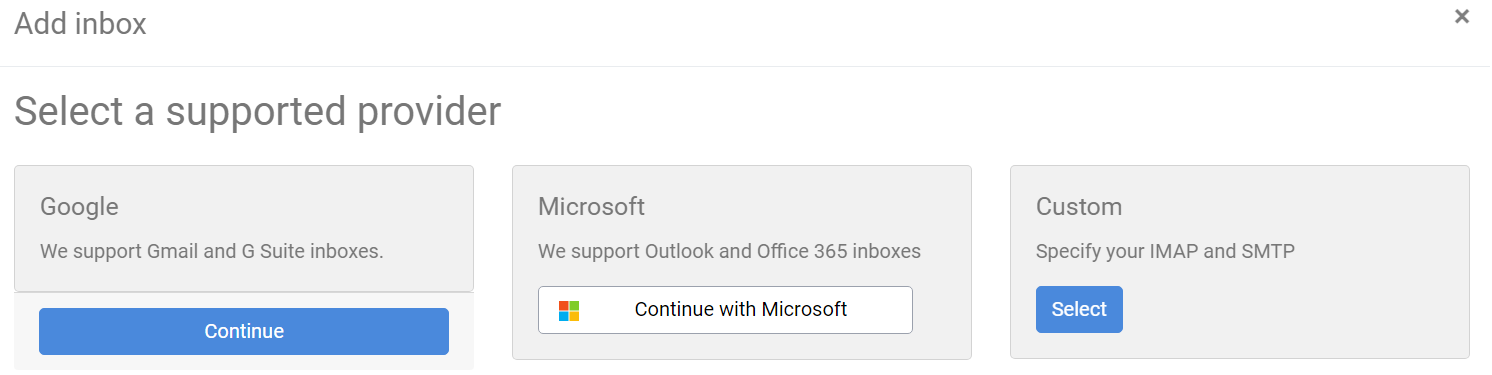
Connect your email account to MailFlow. Ensure that your SPF/DKIM records are correctly configured to enhance email authentication.

Be sure to test sending before adding the inbox.

Step 3. Warmup Your Email
Finally, we have a setup our account and email on MailFlow. We now can configure warmup process.
Click your email inside the pool. Go to Auto-Warmer and click on Join Auto-Warmer Group so that we can start warming up our emails automatically.
Note: You need to wait for at least 10 minutes after adding your email.
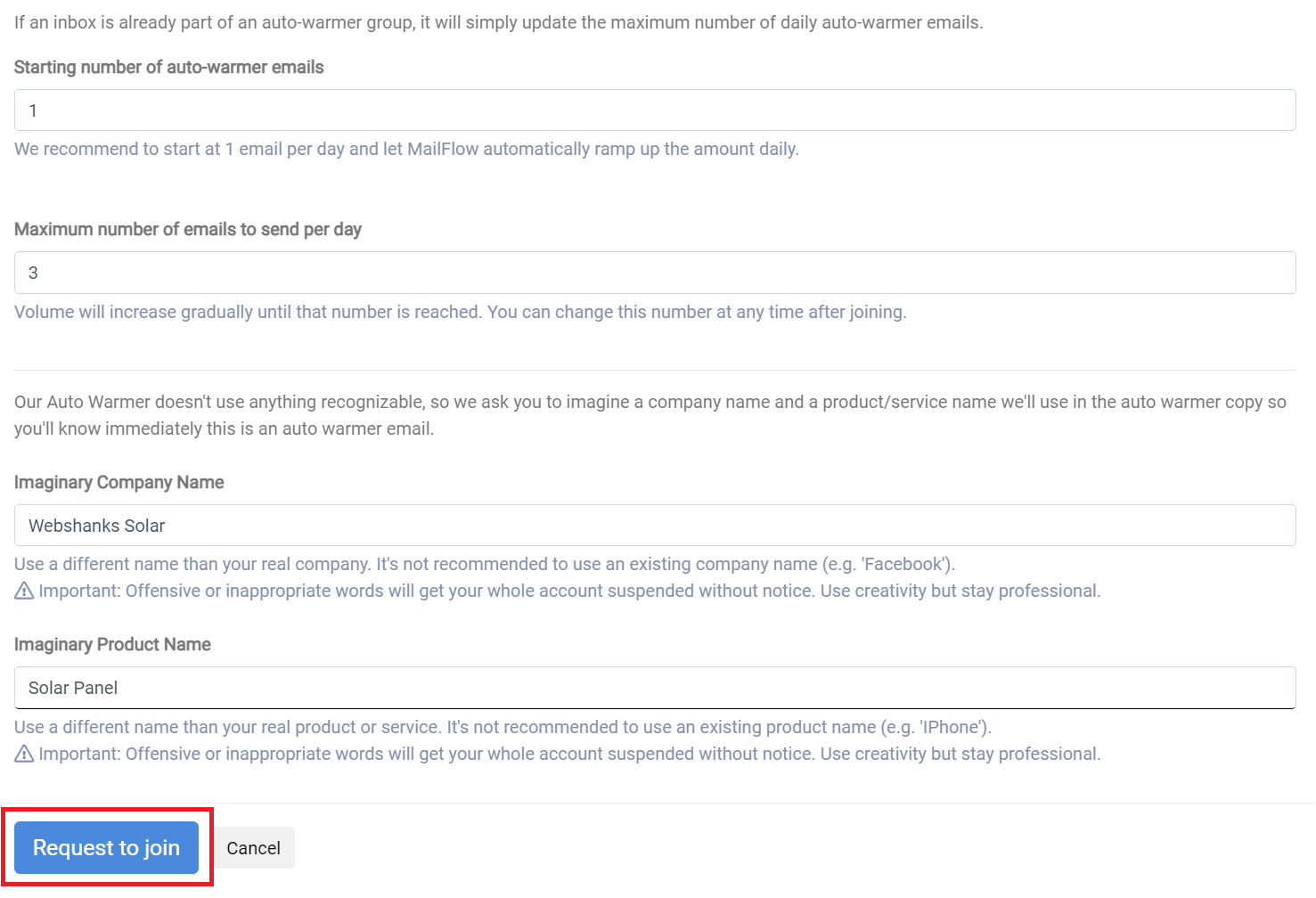
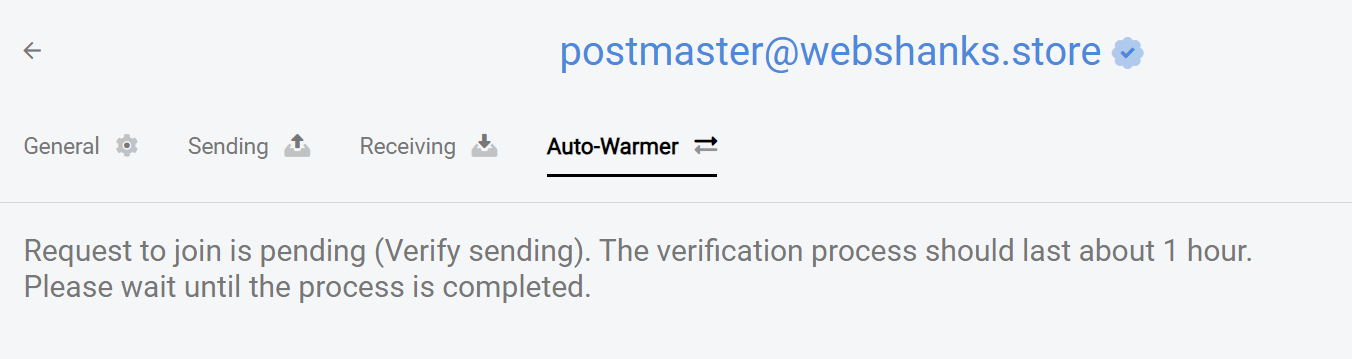
Then we will wait for 1 hour for the verification process to complete.
You will receive an email once accepted to the warmer group:
Hi Webshanks,
This is a confirmation that the inbox [email protected] has been accepted to our auto-warmer group.
Monitor the progress of your warmup through the MailFlow Auto-Warmer Report, keeping an eye on key metrics.
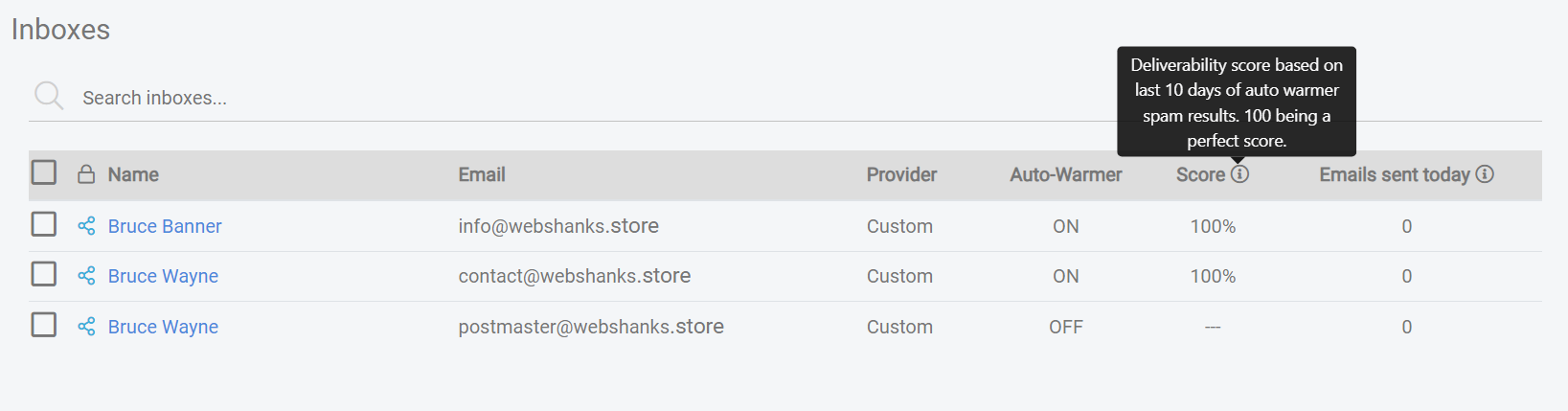
You have finally warmed up your email for free!
For the free plan, you can add up to 100 inboxes.
Frequently Asked Questions
Can I use the free version of MailFlow for effective email warmup?
Yes, absolutely! The free version of MailFlow allows you to send up to 5 warmup emails per day, making it an excellent option for small businesses or individuals with moderate email sending needs.
However, it may take longer to build reputation because of 5 warmup emails per day limit.
How long does it take for email warmup to show results?
The duration varies, but generally, you may start noticing improvements in deliverability within a few weeks. Consistency is key, so adhere to your warmup schedule.
Are there any free MailFlow alternatives that can send more than 5 email warmups per day?
Since this is a business and email warmup needs resources, only free trials are available. However, you can checkout Success.ai for unlimited email warmup with lifetime access.
Watch on YouTube
Conclusion
Mastering the art of email marketing is crucial for anyone serious about email marketing success. With MailFlow’s user-friendly interface and the option for 5 free warmup emails per day, you can boost your sender reputation without breaking the bank.
Implement the strategies I outlined in this guide, stay consistent, and watch as your emails seamlessly reach the coveted primary inbox.
Elevate your email marketing game with MailFlow – your gateway to warmup your emails for free!