
 If you need a virtual private server without spending a lot, a $5 VPS could be a good option. These servers offer basic hosting services that allow you to run websites, apps, or other online projects at a low cost.
A $5 VPS gives you access to dedicated resources with better control and performance than shared hosting, all for a budget-friendly price. This makes it a popular choice for beginners and small businesses looking to grow online without high expenses.
You can also check out $1 VPS and $2 VPS hosting.
Best 5 Dollar VPS Comparison
| VPS | RAM | vCPU | Storage | Pricing |
| EUGameHost | 4GB | 2 | 69GB NVMe SSD | $56.97/Year |
| isHosting | 1GB | 1 | 20GB SSD | $5.94/month |
| UltaHost | 1GB | 1 | 30GB NVMe SSD | $4.80/month |
| Liquid Web | 1GB | 1 | 30GB SSD | $5/month |
| RackNerd | 4GB | 3 | 60GB SSD | $59.99/year |
| CloudBlast | 4GB | 2 | 30GB NVMe SSD | €3.6/month |
| Hostinger | 4GB | 1 | 50 GB NVMe SSD | $4.99/month |
| InterServer | 2GB | 1 | 40 GB SSD | $3/month |
| AlexHost | 1.5GB | 1 | 10 GB NVMe SSD | €4/month |
| Dasabo | 4GB | 2 | 60GB NVMe SSD | €3.99/month |
| GreenCloud | 8GB | 4 | 60GB NVMe SSD | $45/month |
Pro tip: After buying a VPS, check its IP for blacklist using our Blacklist Checker Tool.
My 11 Best VPS Picks That Only Cost $5 or Less
Some of these VPSs, have yearly terms to get at least $5/month cost.
1. EUGameHost VPS
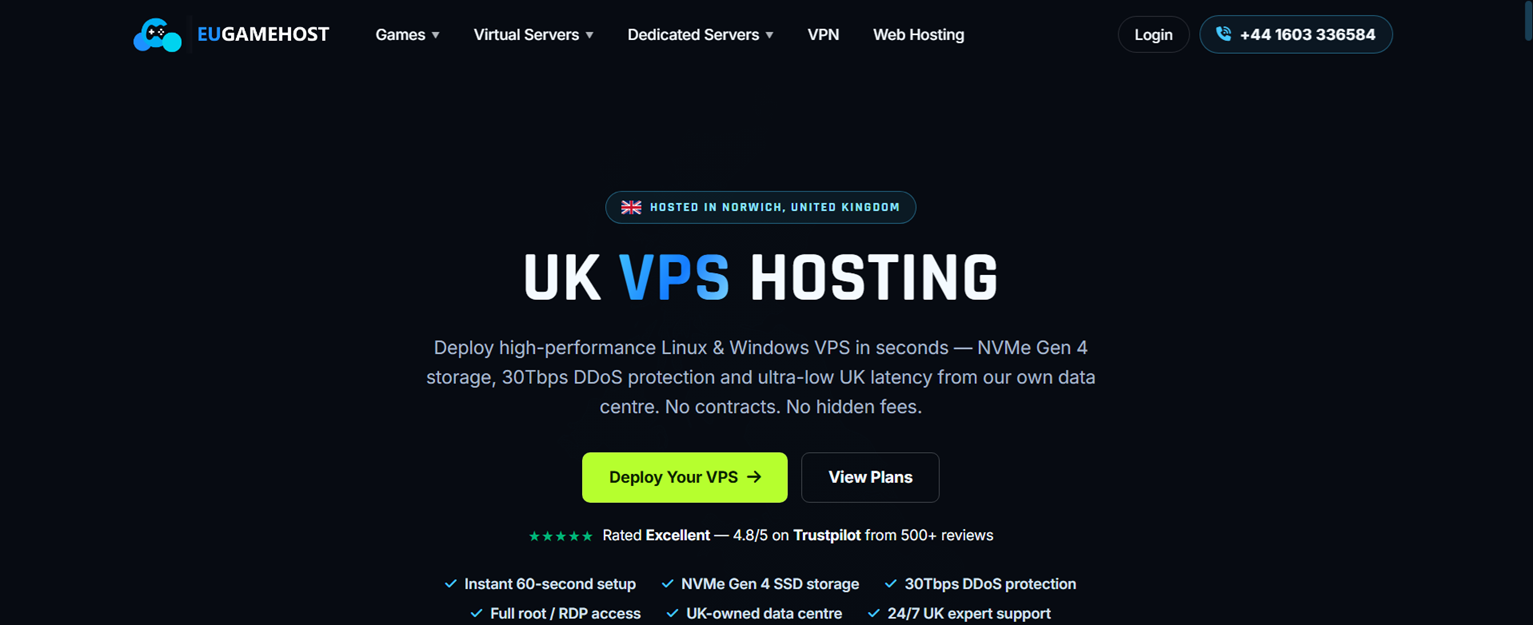
EUGameHost owns 100% of their hardware. I think that is the best way to start if you are looking for a $5 VPS. You’re assured that you are not on a reselling hosting.
$5 VPS Features
- 2 vCore @ 3.6GHz (Intel Xeon E5-2699v3 or better)
- 4GB DDR4 ECC RAM
- 60GB NVMe Gen 4 SSD
- 1Gbps networking
- 1x IPv4 Address included
- Daily offsite backups via our panel
- Cosmic Guard Enterprise DDoS Protection
- Compatible with Windows & Linux
One of the things that makes EUGameHost interesting for beginners is their affordable VPS pricing. They offer entry-level VPS plans that are suitable for users who are just starting with self-hosting, testing applications, or learning how to manage their own servers.
Their yearly VPS plan starts at around $56.97/year, which works out to roughly $4.75/month. For a beginner who wants to experiment with self-hosted services, this is a low-cost way to get a real VPS with root access instead of relying on shared hosting.
As your projects grow, you can upgrade to higher VPS plans with more CPU, RAM, and storage resources. This makes EUGameHost a good starting point for beginners who want to move from shared hosting into full server control.
Overall, the $56.97/year VPS plan is a budget-friendly entry point for self-hosting enthusiasts who want to learn, experiment, and deploy their own services.
2. isHosting

$5 VPS Features
- 1 Xeon 2.20 GHz CPU
- 1 GB RAM
- 20GB SSD Drive
- 2 TB Bandwidth
- 1 IPv4
You can get a reliable VPS starting at $5 per month. This option uses strong processors with decent speeds, making it suitable for basic to moderate tasks. It includes fast SSD storage and enough memory to run small websites or applications smoothly.
Watch: How to setup isHosting VPSYou have access to servers in over 40 locations worldwide. This helps you choose a place close to your users, reducing loading times. Your connection speed is good, with a 1 Gbps port and a fair amount of bandwidth each month.
The service offers KVM virtualization, which provides better control and isolation for your virtual server. You can also pick Linux as your operating system and add an IPv4 address if needed. This setup suits developers and small businesses wanting affordable hosting.
Backups are done weekly to protect your data without extra effort. You also get options for control panels to manage your server easily. If you want to expand later, scaling is straightforward and supported.
For more details or to get your VPS, you can check the options to buy VPS hosting with KVM and many global locations. This setup gives you a good balance of price, performance, and features to meet basic hosting needs.
3. UltaHost VPS

$5 VPS Features
- 1 CPU Core
- 1 GB RAM DDR5
- 30 GB NVMe SSD
- Managed Server
- 1 IPv4 Dedicated IP
- 4 IPv6 Dedicated IP
If you are looking to start with a simple VPS, this plan gives you 1 CPU core and 1 GB of DDR5 RAM. It offers fast NVMe SSD storage with 30 GB space, which helps keep your data quick to access. For detailed setup instructions, refer to my UltaHost VPS setup guide.
You get a managed server, so many technical tasks are handled for you. This makes it easier if you don’t want to manage every detail yourself. There is also a dedicated IPv4 and several IPv6 addresses included.
You receive free SSL certificates to help protect your websites. Plus, there is a 30-day money-back option if you decide it’s not the right fit.
This VPS plan is a good choice if you want a balance between price and performance. You can find more details on their VPS hosting page.
4. Liquid Web VPS
$5 VPS Features
- 1 vCPU
- 1 GB RAM
- 30 GB SSD
- DDoS protection
- Root access
- Dedicated IP address
- 1 TB bandwidth
- 10 GB network
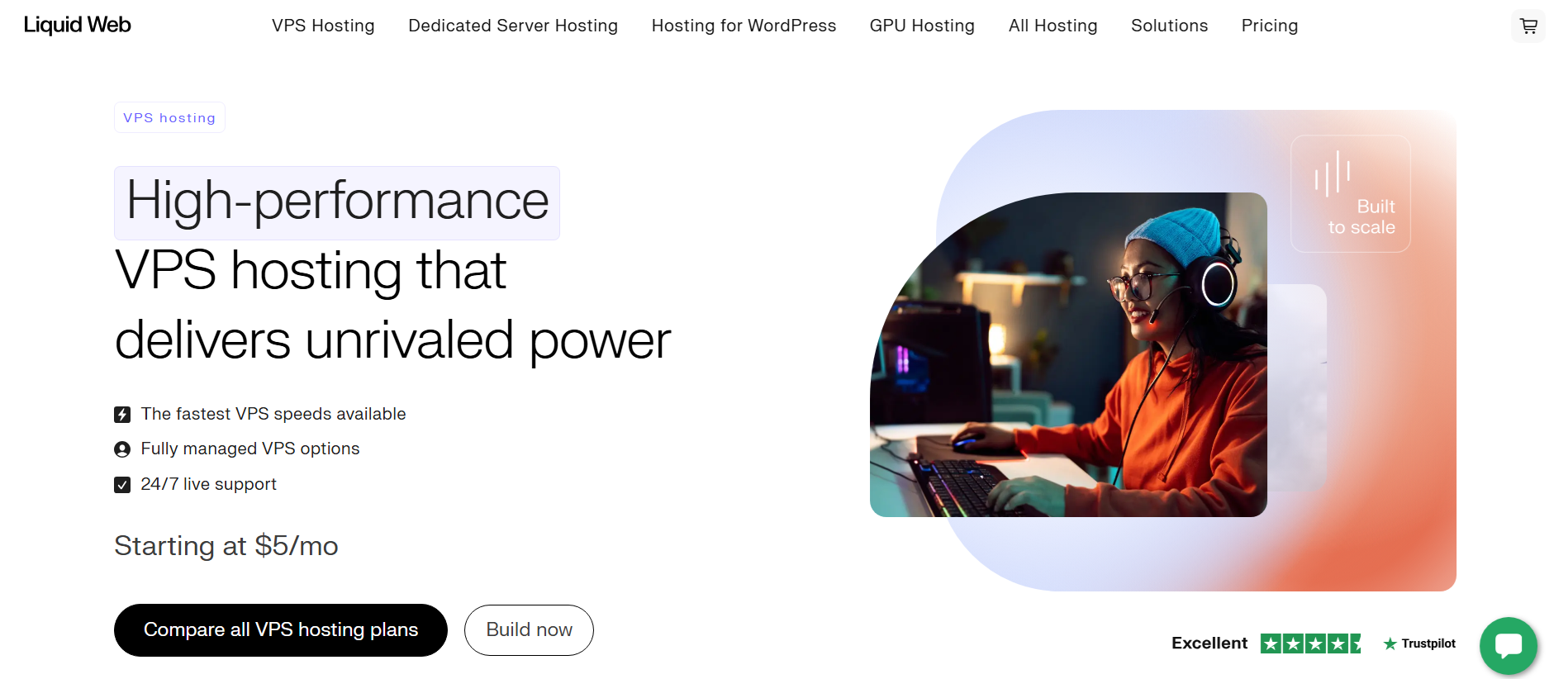
You can get a virtual private server for $5 a month that offers 1 GB of memory and a single processor core. This setup is enough for small websites or basic apps that need steady performance.
The VPS includes 30 GB of solid-state storage. This means your data will load quickly, improving how your site or application runs.
You have access to both Linux and Windows environments. Plus, you can pick from control panels like cPanel, Plesk, or Interworx to manage your server easily. If you’re looking for free alternatives, check out my guide on free cPanel alternatives.
Bandwidth is ample, with 1 TB available each month and unmetered inbound traffic. This helps keep your site stable even if it gets a higher number of visitors.
The server also has a dedicated IP address and root access. This gives you more control over security and network settings.
You can choose self-management or a fully managed service, depending on how much hands-on work you want. You will find that provisioning is fast, so your VPS is ready quickly after purchase.
5. RackNerd VPS
$5 VPS Features
- 3x vCPU Cores
- 4GB RAM
- 60 GB SSD
- 7 TB Bandwidth
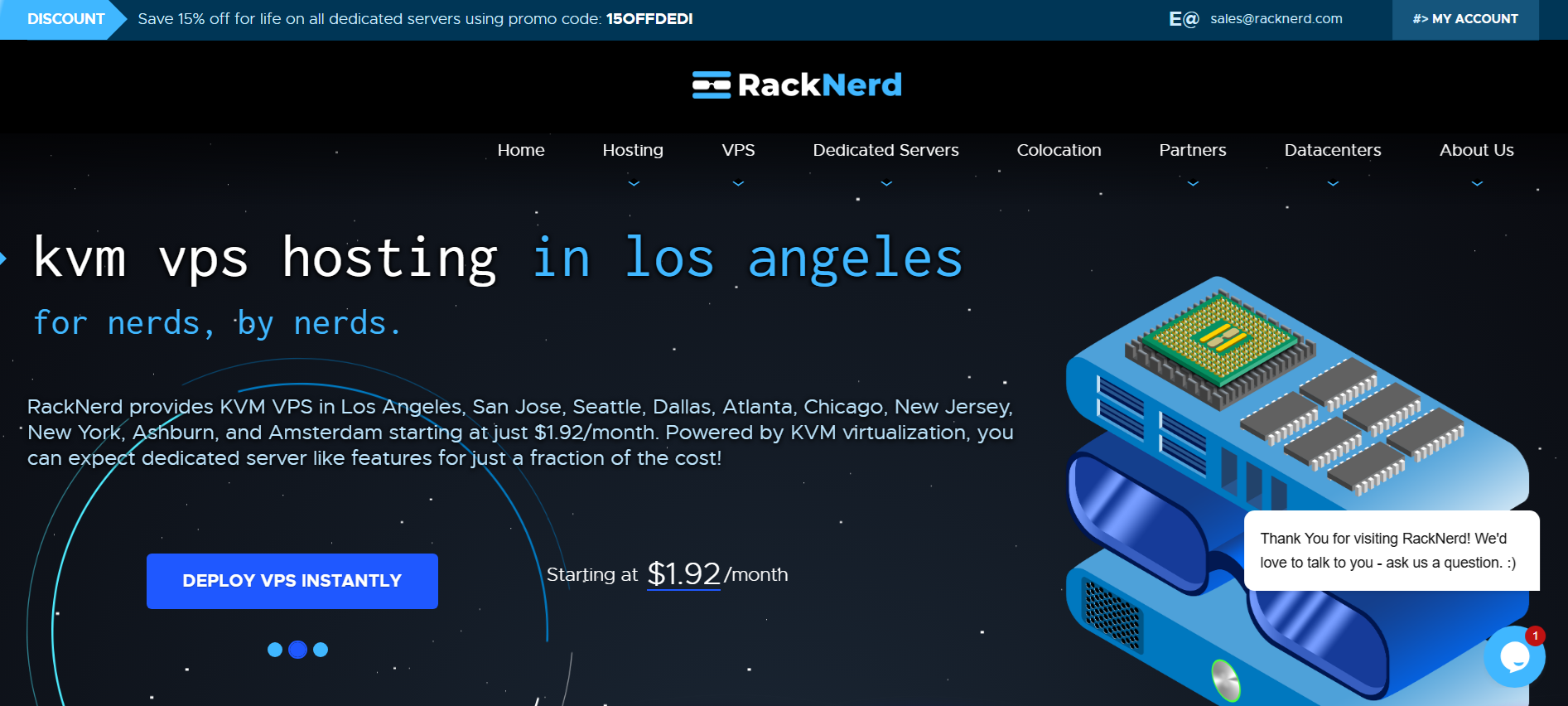
With RackNerd VPS, you get a virtual server that offers good power for its price. It includes multiple CPU cores and solid-state storage, which helps your applications run smoothly. New users can follow my comprehensive RackNerd VPS buying and setup guide for detailed instructions.
You will have a decent amount of RAM and high monthly data transfer limits. This setup is suitable if you need reliable performance without spending too much. You also get full control with root access to customize the server as you wish.
Do note that this is a deal from RackNerd, which means this is an annual price.
The VPS runs on KVM technology, which provides better isolation and stability compared to some other options. You can pick from several data centers across the US and Canada to host your server close to your users.
If you’re interested in saving money, check out the special deals available for these VPS plans. My RackNerd Black Friday deals post covers the best seasonal discounts. This can make your hosting even more affordable while keeping the key features intact.
6. CloudBlast VPS
$5 VPS Features
- 2x AMD EPYC
- 4 GB RAM
- 30 GB NVMe Storage
- 10 Gbps @ 10TB Bandwidth
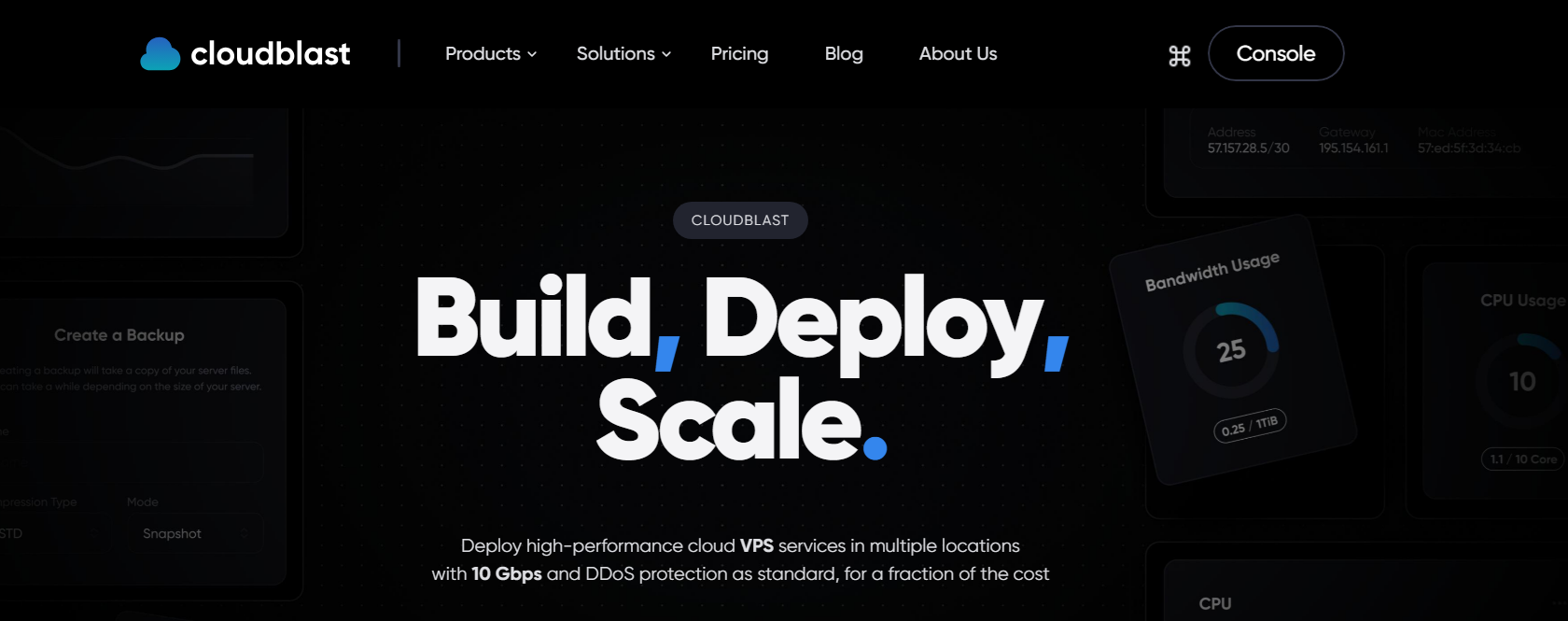
CloudBlast VPS offers a solid option if you need a reliable, hourly server for basic tasks. It includes two AMD EPYC processors, giving you good processing power for most small to medium projects.
You get 4 GB of RAM, which is enough for running websites, apps, or lightweight databases. Storage uses NVMe technology, providing faster read and write speeds with 30 GB available to store your data.
Bandwidth is generous at 10 Gbps, with a 10 TB monthly data cap. This means you have plenty of room for traffic and file transfers without worrying about extra fees.
The pricing is set at just under five euros per month, making it an affordable choice. You can check current details and options on their pricing page if you want to compare plans or learn more.
They only have Netherlands as of this writing but they will be expanding in the US and Singapore in the future.
7. Hostinger VPS

$5 VPS Features
- 1 vCPU core
- 4 GB RAM
- 50 GB NVMe disk space
- 4 TB bandwidth
- 1 IPv4/IPv6
You can get a VPS plan for around $5 a month if you commit to a longer term. This plan gives you a single CPU core and 4 GB of RAM, which is enough for small to medium projects. The storage uses fast NVMe drives, making file access quicker.
Bandwidth is generous, with 4 TB included monthly. This helps if your site or app gets a good amount of traffic. The servers run on AMD EPYC processors, which are known for their efficiency and strong performance.
You can choose Linux operating systems for your VPS. The setup offers automated weekly backups to keep your data safe without extra work from you. Data centers are located worldwide, so you can pick one closer to your users to reduce loading times.
If you want extra speed and reliability for your online projects, buying VPS Hosting with KVM-based technology is a solid option. It gives you more control and resources than shared hosting, helping your website or app perform better.
8. InterServer
$5 VPS Features
- 1 vCPU Cores
- 2GB RAM
- 40GB SSD
- 10GBPS Shared Port
- 1 Dedicated IP
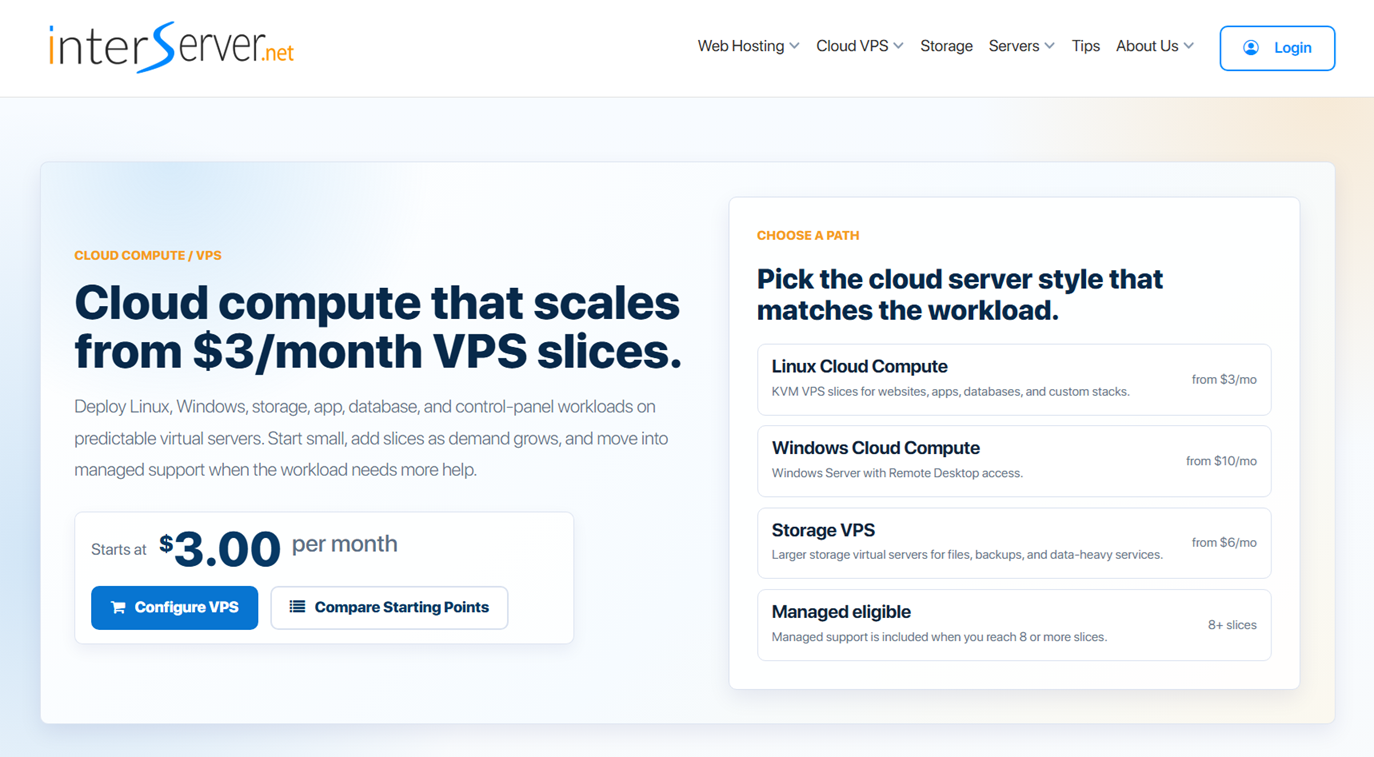
InterServer VPS is one of the cheapest VPS providers worth considering for beginners, developers, and self-hosting enthusiasts. Their entry-level cloud VPS starts at only $3/month, making it one of the lowest-priced options in this list.
This plan is a great fit for users who want to experiment with self-hosting without spending much money. A 2GB RAM VPS is enough for many lightweight projects such as:
- WordPress websites
- Docker containers
- VPN servers
- Monitoring tools
- Small web applications
- Development environments
- Personal cloud services
One advantage of InterServer is that you can start small and scale later. Their VPS system uses a slice-based model, allowing you to add more CPU, memory, storage, and bandwidth as your project grows.
Root Access and Full Server Control
Unlike shared hosting, InterServer VPS gives you full root access, allowing you to install your preferred operating system, configure your server, and run your own applications. This makes it suitable for users who want complete control over their hosting environment.
For self-hosting projects, this means you can install tools like:
- CyberPanel
- CloudPanel
- Docker
- Nextcloud
- Mail servers
- Game servers
- Web applications
Payment Methods
InterServer supports several common payment options, making it easier for users worldwide to purchase their VPS plans. Available payment methods include:
- Credit cards (Visa, Mastercard, American Express, Discover)
- PayPal
- Crypto
For users starting with VPS hosting, monthly billing is convenient because you do not need to commit to a long-term contract. You can test your setup, learn server management, and upgrade later if needed.
Is InterServer VPS Worth It?
At $3/month, InterServer is a strong choice for beginners looking for a cheap VPS with real root access. It may not compete with premium cloud providers in performance or features, but for learning, testing, and small self-hosted projects, the price-to-resource ratio is very attractive.
If you are looking for an inexpensive VPS to start your self-hosting journey, InterServer deserves a spot on the list.
9. AlexHost VPS
$5 VPS Features
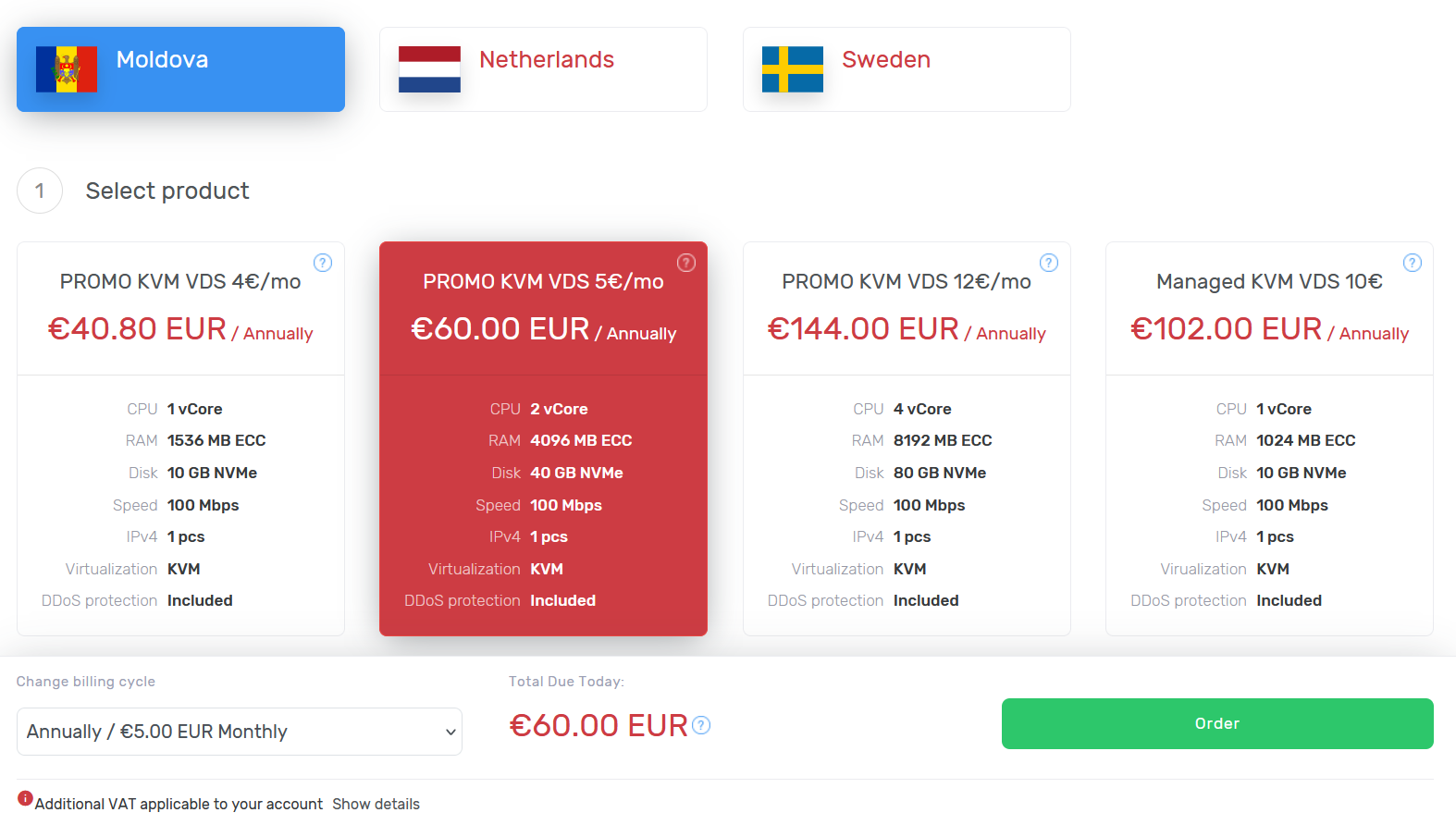
- 1 vCore
- 1536 MB
- 10 GB NVMe
- 100 Mbps
- Unlimited Bandwidth
AlexHost VPS offers affordable virtual private servers for those who want reliable performance without spending too much. You can get a VPS plan for around $5, making it a good option if you want basic hosting for small projects or testing.
The setup is fast and lets you choose different operating systems. This gives you control to install the software you need. You also get root access, so you can manage your server fully.
Your VPS comes with scalable resources. If your needs grow, you can upgrade CPU, RAM, or storage easily. This flexibility helps if your website or application starts getting more traffic.
AlexHost includes essential features like SSD storage and a clean network setup. These help with faster data access and better uptime. You can check more details on the available VPS plans and pricing on their site.
You will also find that the management panel is easy to use. It lets you handle tasks like rebooting the server or checking usage without technical hassle. This is good if you don’t want to spend too much time on server administration.
Overall, if you are looking for a budget-friendly VPS with a decent feature set, this option might suit your needs well. Consider your project scope and see if the resources fit before choosing your plan.
10. Dasabo VPS

$5 VPS Features
- 2 vCore
- 4GB
- 60GB NVMe
- 30TB Traffic
- 1 IPv4/IPv6
Dasabo VPS offers powerful servers with Intel and AMD processors designed for demanding applications and businesses. You get reliable and scalable performance suited for various workloads.
Their VPS plans include fast NVMe storage, which improves data speed significantly. NVMe uses a faster connection than regular SSDs, making your websites and apps load quicker and run smoothly.
You benefit from strong protection against DDoS attacks on both IPv4 and IPv6 networks. This security helps keep your server safe from unwanted traffic disruptions.
You have full root and SSH access, giving you complete control over your server setup. If you’re using Windows, my guide on generating SSH keys on Windows using Bitvise and PuTTY will help you get started.
If you need extra resources, you can scale your VPS with minimal downtime. This lets your setup grow as your project or business demands change.
Dasabo provides nearly constant uptime with modern data centers, so your services stay online without interruptions.
For any help, 24/7 support is available. Their team can assist with server issues, updates, and optimizations.
Learn more about their Virtual Private Server options to find what fits your needs. 👇
11. GreenCloud
$5 VPS Features
- 4 vCPU Cores
- 8GB DDR4 or Newer
- 60GB NVMe
- 10Gbps Shared
- 8TB
- 1 IPv4 Address
- 1 IPv6 Address
You can get a VPS plan that offers solid performance for just $5 per month. It includes two virtual CPU cores and 8GB of recent DDR4 RAM, providing enough power to handle everyday tasks and small projects.
The storage uses NVMe drives with 60GB of space, which means faster data access and better overall speed. Your VPS also includes a fast 10Gbps network connection, giving you reliable internet speed for most uses.
Bandwidth is generous, with 8TB available monthly. You get one IPv4 address and a larger IPv6 subnet, which is useful if you need multiple IPv6 addresses. The servers are located in Highland, Illinois, giving you good connectivity in the US.
If you want a budget VPS that balances price and performance, this option is worth checking out. You can find more details on affordable, high-performance server hosting designed to deliver fast, reliable results without breaking the bank.
What to Expect from a $5 VPS
A $5 VPS offers basic server capabilities that suit small projects or testing environments. You will get limited but usable performance and resources tailored for entry-level tasks or learning purposes.
Performance Considerations
You can expect modest CPU power and limited RAM on a $5 VPS. Typically, these plans provide around 1 CPU core and 1 GB of RAM. This setup is enough for light workloads like simple websites or development servers.
Network speed is usually capped, often around 100 Mbps. Disk storage is often based on SSDs but may have slower I/O speeds compared to higher-priced plans. You might experience occasional slowdowns if your server is on a shared host or during peak times.
Resource Limitations
Your storage space will be small, commonly between 20 to 30 GB. Bandwidth usually ranges from 1 TB to 20 TB per month, enough for moderate traffic but not heavy data transfers.
You will also see limits on simultaneous connections or processes since the VPS shares hardware with others. Features like backups or advanced security options may not be included or could cost extra.
Ideal Use Cases
A $5 VPS is great for testing new software, learning server management, or hosting low-traffic websites. It works well for personal blogs, small business sites, or basic game servers with few players.
For WordPress hosting specifically, you might want to explore my guides on hosting multiple WordPress websites on one server or hosting WordPress websites in Contabo VPS without cPanel.
It is not suited for high-traffic applications, large databases, or resource-heavy software. You should consider upgrading if your project grows or needs more reliable uptime and speed.
Popular Control Panels for Your VPS
Once you have your VPS set up, you’ll need a control panel to manage your websites and applications effectively. Here are some popular options:
Free Control Panel Options
If you’re looking to save money, consider these best free control panels for VPS:
- CyberPanel: A lightweight, OpenLiteSpeed-based control panel. Learn how to install CyberPanel on Contabo VPS or discover the best VPS providers for CyberPanel.
- Virtualmin: A comprehensive control panel with email server capabilities. Check my guide on installing Virtualmin on Debian 12.
- ISPConfig: A multi-server control panel perfect for web hosting. See my ISPConfig installation guide.
Specialized Hosting Solutions
For specific use cases, consider these specialized solutions:
- Coolify: Perfect for developers who want to host multiple applications. Learn how to host multiple WordPress websites with Coolify.
- Cloudron: Ideal for self-hosting applications. My Cloudron installation guide will get you started.
Setting Up Email Servers on Your $5 VPS
Many users want to set up their own email servers on budget VPS plans. This is definitely possible and can save you money on email hosting:
Popular Email Server Solutions
- Mailcow: A comprehensive email server solution. Learn how to create your own mail server using Mailcow and RackNerd.
- Mail-in-a-Box: A simple, all-in-one email server. Check out my Ubuntu mail server guide using RackNerd VPS and Mail-in-a-Box.
- iRedMail: A full-featured email server solution. See my iRedMail setup guide for RackNerd VPS.
Email Server Best Practices
When setting up your email server, make sure to:
- Configure proper MX, SPF, DKIM, and DMARC records
- Learn about hosting your own email server requirements
- Consider email warmup strategies to improve deliverability
Evaluating Security and Reliability
When choosing a $5 VPS, you want to focus on how well your data is protected and how often the server stays online. Good security stops hackers and data loss. High uptime means your site or app won’t go offline unexpectedly.
Data Protection Measures
You should expect basic security like firewalls and DDoS protection on a $5 VPS. These protect your server from attacks and unwanted traffic that could crash your site.
Look for providers that offer daily backups. Backups let you restore your data if something goes wrong. Some companies also provide SSL certificates to secure your website connections.
Check if the VPS provider updates their servers regularly. Updates fix security holes and improve performance. You want your VPS kept up-to-date to avoid risks.
Uptime Guarantees
Most $5 VPS services promise a 99% uptime. This means your server should be available nearly all the time, with only a few hours of downtime per month.
Look for providers that offer SLA (Service Level Agreements). SLAs tell you what kind of compensation you get if uptime falls below the promised level.
Keep in mind, lower-cost VPS plans often use shared resources. This can affect uptime during traffic spikes. You should check reviews to see if the provider’s uptime claims match real user experience.
Conclusion
A $5 VPS provides an excellent entry point into virtual private server hosting. While you won’t get enterprise-level performance, these budget-friendly options offer enough resources for small projects, learning environments, and basic production websites.
Whether you choose EUGameHost, RackNerd, UltaHost, or any of the other providers mentioned, make sure to consider your specific needs and growth plans. With the right setup and management tools, a $5 VPS can serve as a solid foundation for your online projects.
Remember to explore my various setup guides and tutorials to make the most of your VPS investment. From installing control panels to setting up email servers, I have comprehensive guides to help you succeed with your VPS hosting journey.