
 Finding a reliable $2 VPS might seem impossible in today’s hosting market, but several providers still offer ultra-budget options that deliver surprising value.
While you shouldn’t expect enterprise-grade performance at this price point, a 2 dollar VPS can be perfect for specific use cases like learning Linux, hosting lightweight applications, or running development environments.
In this comprehensive guide, we’ll explore the best $2 VPS providers, what you can realistically expect from ultra-cheap hosting, and when these budget options make sense for your projects.
$2 Dollar VPS Quick Comparison Table
| Provider | CPU | RAM | Storage | Bandwidth | Price |
|---|---|---|---|---|---|
| DartNode | 1vCPU | 1GB | 10GB SSD | Unlimited | $2/Month |
| RackNerd | 2vCPU | 2.5GB | 45GB SSD | 3TB | $18.66/Year* |
| ColoCrossing | 3vCPU | 4GB | 100GB SSD | 20TB | $24/Year* |
| CloudClone | 1vCPU | 1GB | 27GB SSD | 3TB | $22/Year* |
| Green Cloud | 2vCPU | 4GB | 35GB NVMe | 8TB | $25/Year* |
| Dasabo | 1vCPU | 2GB | 40GB SSD | 20TB | €1.92/Month |
| MassiveGrid | 2vCPU | 4GB | 128GB SSD | 20TB | $70.64/Triennially* |
*Promotional pricing – regular rates may be higher
Best $2 VPS Providers to Buy
1. DartNode – Best Overall Value

DartNode has emerged as a standout provider in the ultra-budget VPS market, offering impressive specifications for the price point. You can get their cheapest VPS for only $2 per month.
What I like about DartNode is that they own their hardware and network infrastructure. That’s why they can offer very affordable VPS, VDS, and Dedicated servers.
VPS Specifications:
- CPU: 1 vCPU (AMD EPYC or Intel Xeon)
- RAM: 1GB
- Storage: 10GB SSD
- Bandwidth: Unlimited
- Custom ISO support
- Network: 1Gbps port
Datacenter Locations:
- United States (Houston)
Operating Systems:
- Ubuntu 20.04/22.04/24.04 LTS
- Debian 11/12
- CentOS 7/8
- Rocky Linux
- AlmaLinux
If you’re interested in DartNode, check out my detailed guide on setting up DartNode VPS for step-by-step instructions.
2. RackNerd – Most Reliable Budget Option
RackNerd is a well-established VPS provider that frequently runs deals on forums like LowEndTalk. Their most popular low-end VPS plan costs $18.29 per year, or about $1.52/month, making it a great option for performance-focused users.
What makes RackNerd stand out is the higher resource allocation — you get double the CPU and RAM compared to others in the same price range.
VPS Specifications:
- CPU: 2 vCPU (Intel Xeon E5 series)
- RAM: 2GB
- Storage: 30GB SSD
- Bandwidth: 4TB monthly
- Network: 1Gbps port
Datacenter Locations:
- Los Angeles, CA
- Chicago, IL
- New York, NY
- Dallas, TX
- Ashburn, VA
- Toronto, Canada
Operating Systems:
- Most popular Linux distributions
RackNerd frequently offers special deals, so it’s worth checking out my guide on cheap yearly VPS deals to catch their promotions.
3. ColoCrossing – Best for Beginners

ColoCrossing is known more for its data centers than its direct hosting, but occasionally they offer special VPS promos — especially around Black Friday. One such deal offers 4 GB RAM VPS at $2/month with huge bandwidth.
Like Racknerd, to get a VPS for $2, you need to get a yearly $24 plan.
VPS Specifications:
- CPU: 3 vCPU (Intel Xeon)
- RAM: 4GB
- Storage: 100GB SSD
- Bandwidth: 20TB monthly
- Network: Gbps port
Datacenter Locations:
- Buffalo, NY
- Los Angeles, CA
- Chicago, IL
Operating Systems:
- Ubuntu, Debian, CentOS
- Basic control panel included
- Easy OS reinstallation
4. CloudClone – Los Angeles VPS At Its Best
CloudClone offers budget-friendly VPS solutions, with a focus on serving international customers and providing multiple payment options.
They have $22.00/Year VPS on their table.
VPS Specifications:
- CPU: 1 vCPU (varied processors)
- RAM: 1GB
- Storage: 27GB SSD
- Bandwidth: 3TB monthly
- Network: 1Gbps port
Datacenter Locations:
- Los Angeles, CA
Operating Systems:
- Standard Linux distributions
5. Nuyek – Best for Advanced Users
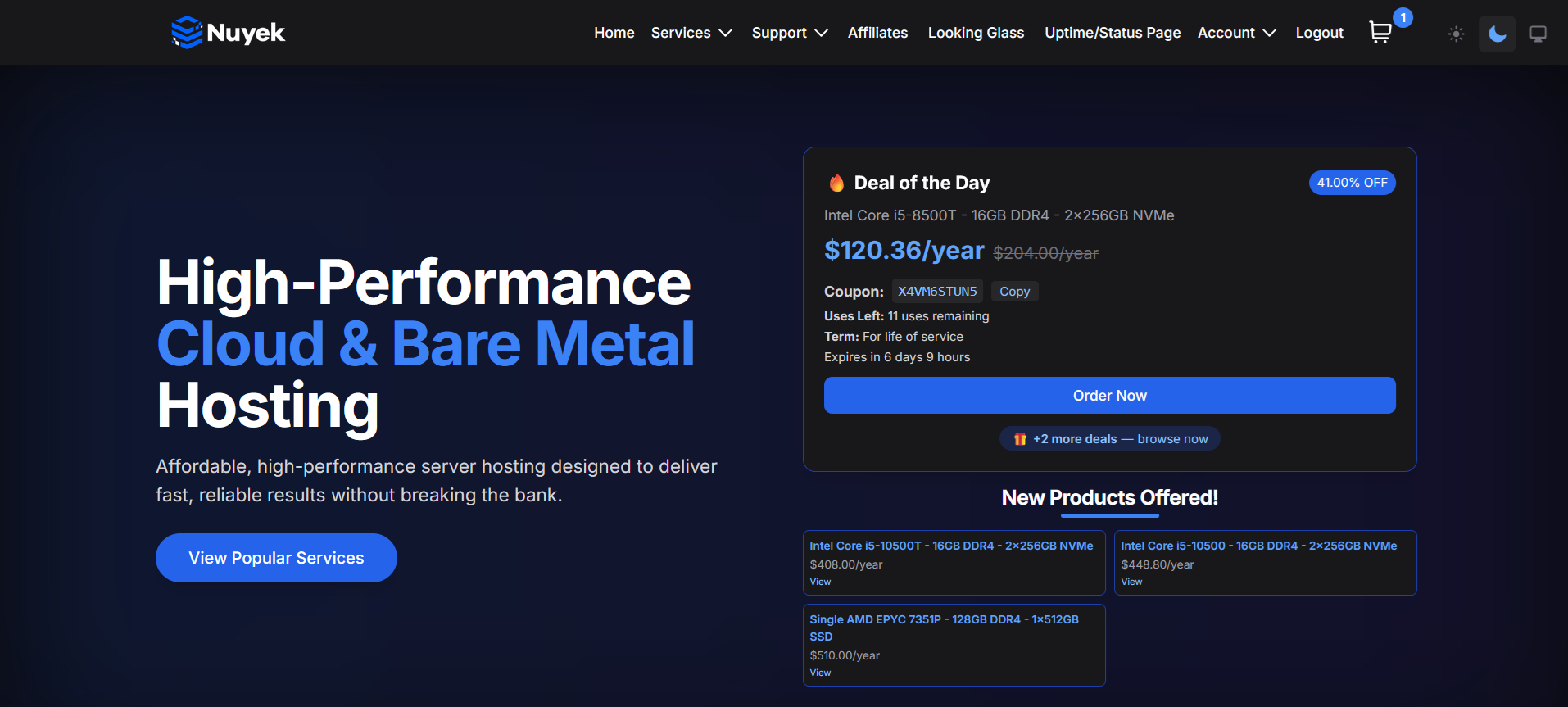
Nuyek is a newer but promising VPS provider with an impressive deal at just $18.50 per year, which breaks down to $1.54/month. It’s a perfect option for users who want affordability without committing to a multi-year plan.
Their servers run on modern AMD EPYC or Ryzen hardware in Highland, Illinois (USA), and include fast NVMe SSD storage.
VPS Specifications:
- CPU: 1 vCPU (AMD EPYC)
- RAM: 1GB
- Storage: 20GB NVMe SSD
- Bandwidth: 4TB monthly
- Network: 1Gbps port
Datacenter Locations:
- Highland, IL, USA
Operating Systems:
- Minimal OS templates
Best suited for hobbyists, self-hosters, or developers requiring a cost-effective VPS for low-intensity workloads. Insane value for just $1.54/month
6. Dasabo – Best in German Hosting

Dasabo has built a strong community around its budget hosting services, with active forums and user-generated content. They offer €1.99/month VPS in Germany.
VPS Specifications:
- CPU: 1 vCPU (Intel Xeon)
- RAM: 2GB
- Storage: 40GB NVMe SSD
- Bandwidth: 20TB monthly
- Network: 1Gbps port
Datacenter Locations:
- Germany
Operating Systems:
- Popular Linux distributions
7. MassiveGrid – Best for Storage-Heavy Applications
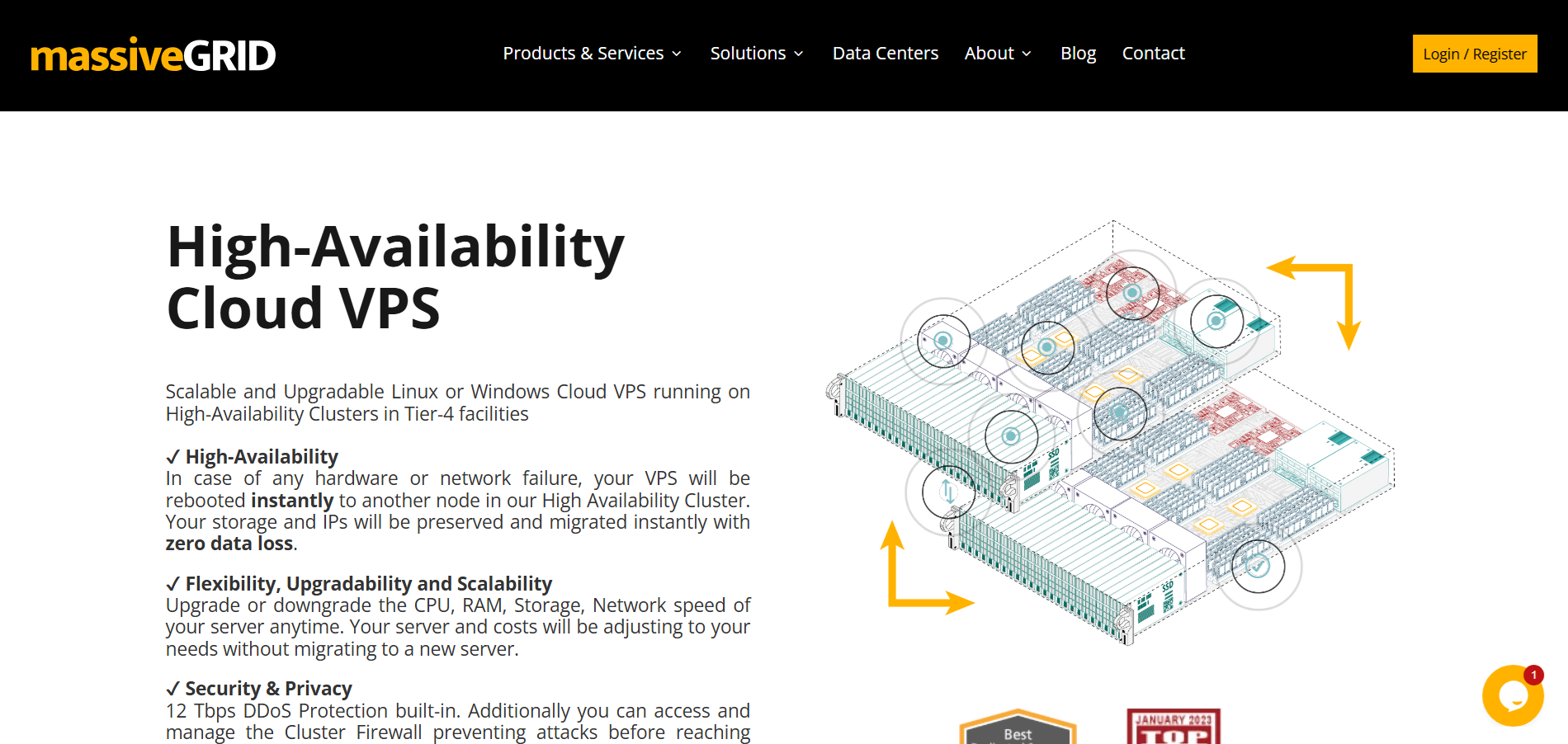
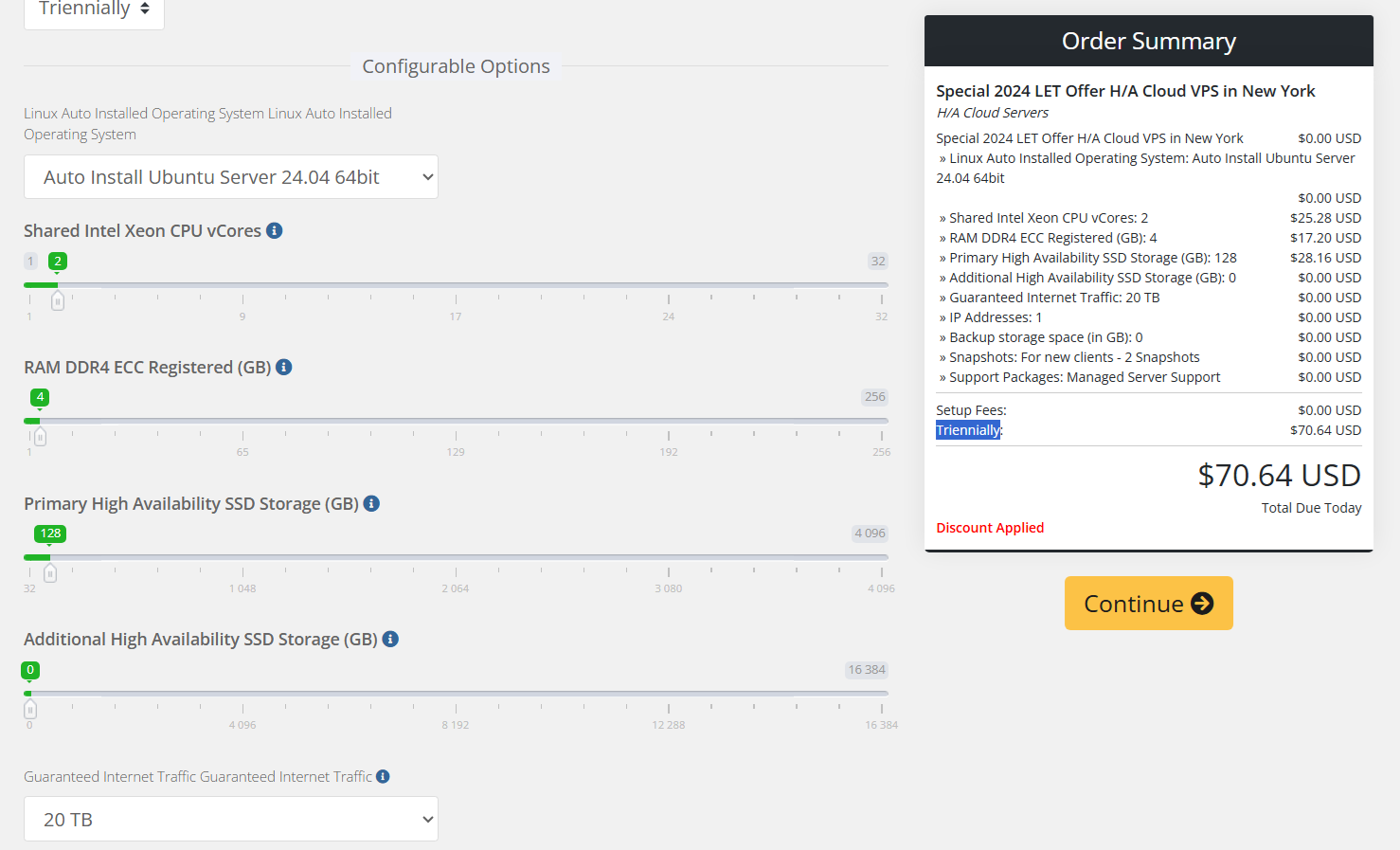
MassiveGRID currently offers the cheapest VPS on the market. For just $70.64 upfront, you’ll get 3 years of service — and they’ll throw in a 4th year for free, bringing your effective cost down to $1.96 per month.
This ultra-low-cost plan is part of their High Availability Cloud VPS line. It’s KVM-based and hosted on solid infrastructure with global data centers in the US, UK, Germany, and Singapore.
VPS Specifications:
- CPU: 2 vCPU (Intel Xeon)
- RAM: 4GB
- Storage: 128GB SSD
- Bandwidth: 20TB monthly
- Network: 1Gbps port
Note: To get these specs, you need to set them manually. Please refer to the image below.
Datacenter Locations:
- New York, US
- London, GB
- Frankfurt, Germany
- Singapore
Operating Systems:
- Standard Linux distributions
What Can You Realistically Expect from a $2 VPS?
At the $2 price point, you’re entering the realm of ultra-budget hosting where compromises are inevitable. Here’s what typical specs look like:
Common Specifications:
- CPU: 1-2 shared vCPU cores (often older generation)
- RAM: 1GB – 4GB
- Storage: 10-40GB SSD
- Bandwidth: 1-20TB monthly transfer (some have unlimited like DartNode)
- Network: 1Gbps port speed
Performance Limitations: Budget VPS providers often oversell their servers, meaning you’re sharing resources with many other users. This can lead to inconsistent performance, especially during peak hours. CPU throttling and I/O limitations are common.
Suitable Use Cases:
- Learning Linux system administration
- Hosting static websites with low traffic
- Running lightweight applications like Pi-hole or personal VPN servers
- Development and testing environments
- Self-hosted applications (RSS readers, note-taking apps)
- Basic web scraping or automation scripts
Important Warning: $2 VPS hosting is not suitable for production websites, business-critical applications, or anything requiring guaranteed uptime and performance. These are primarily for educational purposes, testing, or personal projects.
Criteria for Ranking the Best $2 VPS Providers
When evaluating ultra-budget VPS providers, we focus on:
- Price-to-Performance Ratio: Maximum value for your $2.5
- Uptime and Reliability: Consistent service despite the low cost
- Datacenter Locations: Geographic diversity for better latency
- Customer Support: Responsiveness and helpfulness
- Payment Options: Flexibility in billing methods
- Extra Features: IPv6 support, snapshots, backup options
- Community Reputation: User feedback and long-term stability
Hidden Costs and Gotchas
When choosing a $2 VPS, watch out for these common issues:
Renewal Pricing: Many providers offer promotional rates for the first term, then increase prices significantly upon renewal. Always check the regular pricing before committing.
Setup Fees: Some providers charge one-time setup fees that can double your first month’s cost.
Limited Support: $2 VPS typically comes with minimal support. Don’t expect 24/7 phone support or immediate responses to tickets.
Resource Throttling: CPU and I/O throttling is common when you exceed allocated resources, which can impact performance unpredictably.
Payment Cycles: The cheapest rates often require an annual payment upfront, which increases the financial commitment.
Backup Costs: Automated backups usually cost extra, and some providers charge for basic features like snapshots.
When Not to Use a $2 VPS
Despite their affordability, $2 VPS hosting is not suitable for:
Production Websites: The performance limitations and potential downtime make these unsuitable for business-critical sites. If you consider hosting multiple WordPress websites, find 4GB RAM or higher.
E-commerce Applications: Security, performance, and reliability requirements exceed what a budget VPS can provide.
Email Servers: While possible, running email servers requires consistent uptime and deliverability, which budget providers may not guarantee.
High-Traffic Applications: Limited resources make these unsuitable for applications expecting significant traffic.
Database-Heavy Applications: RAM and I/O limitations restrict database performance.
Mission-Critical Services: Anything requiring guaranteed uptime or performance SLAs should use higher-tier hosting.
Alternatives If You Need More Power
If a $2 VPS doesn’t meet your needs, consider these alternatives:
$5 VPS Options: My guide to 5 dollar VPS hosting covers providers offering significantly better performance and reliability.
Cloud Free Tiers: Services like Oracle Cloud, Google Cloud Platform, and AWS offer free tiers that might provide better value for specific use cases.
Shared Hosting: For simple websites, shared hosting often provides better performance and support than ultra-budget VPS.
VPS with Better Support: Consider providers offering free control panels and managed services.
Final Thoughts
The $2 VPS market offers genuine value for specific use cases, particularly learning, testing, and running lightweight applications
Remember that $2 VPS hosting is primarily for educational, testing, or personal projects. For production use, consider investing in higher-tier options like my recommended storage VPS providers or exploring 1 dollar VPS options for even more budget-conscious solutions.
The key to success with ultra-budget VPS is setting realistic expectations and choosing the right provider for your specific needs. Whether you’re learning Linux administration, hosting a personal blog, or running development environments, there’s a $2 VPS option that can serve your purposes effectively.